

Sections inside collections
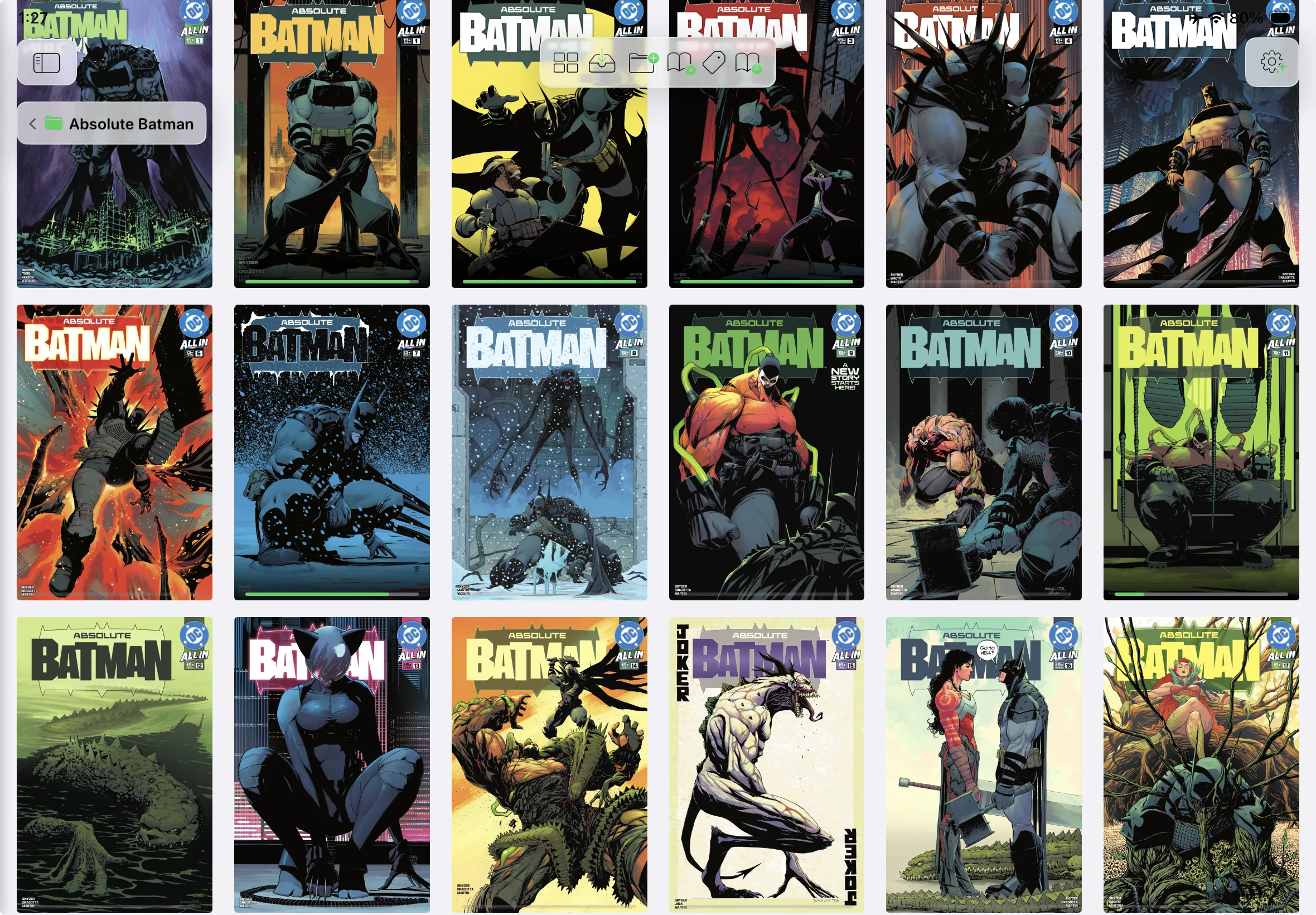
Create colored sections, reorder them freely, and move books between them with ease. Perfect for creating custom reading lists.
Real feedback from readers on the App Store. Here's what people are saying — add your review.
What I like most about Andrea Reader is the freedom it gives you. You can create your own collections, organize them however you want, and customize each one differently. It works great for books, comics, manga, EPUBs, and PDFs.
I tried a ton of reading apps on my phone, and I can say with certainty that this is the best one out there. The typography and reading customization, together with the library organization, is exactly what I needed for a comfortable, tidy experience.
One of the best reading apps I've tried. It's well designed, easy to navigate, and everything feels smooth and enjoyable. Definitely worth downloading!
I've been using it since the beta, and it's the ideal reading app I'd been looking for.
A great option for reading on your phone or iPad, ideal for when I'm travelling. I like that it adapts perfectly to different reading formats.
Really cool app with a bunch of useful features I hadn't found in any other app before. Definitely worth checking it out.
Your whole library lives on your own server, and only what you're reading takes up space on your device.
Connect any remote server, download only what you want, and free up space when you're done — covers, progress and metadata always stay.
Download a book, read it, then remove the file to free the space — the cover, your reading progress, stats and metadata always stay.
Enjoy the freedom to shape your books, collections, and reading settings exactly the way you want.
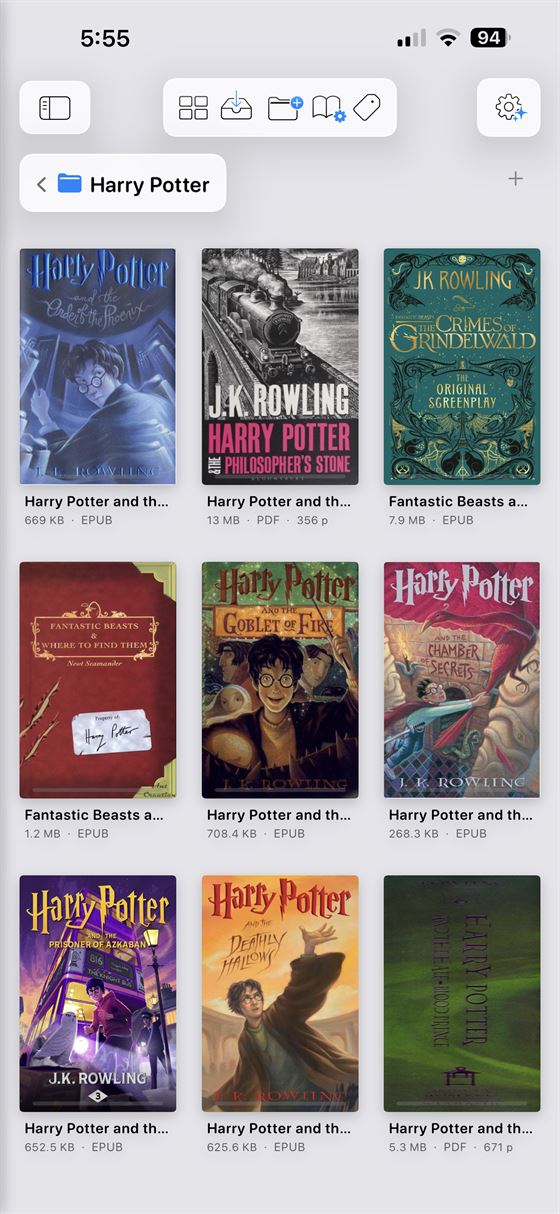
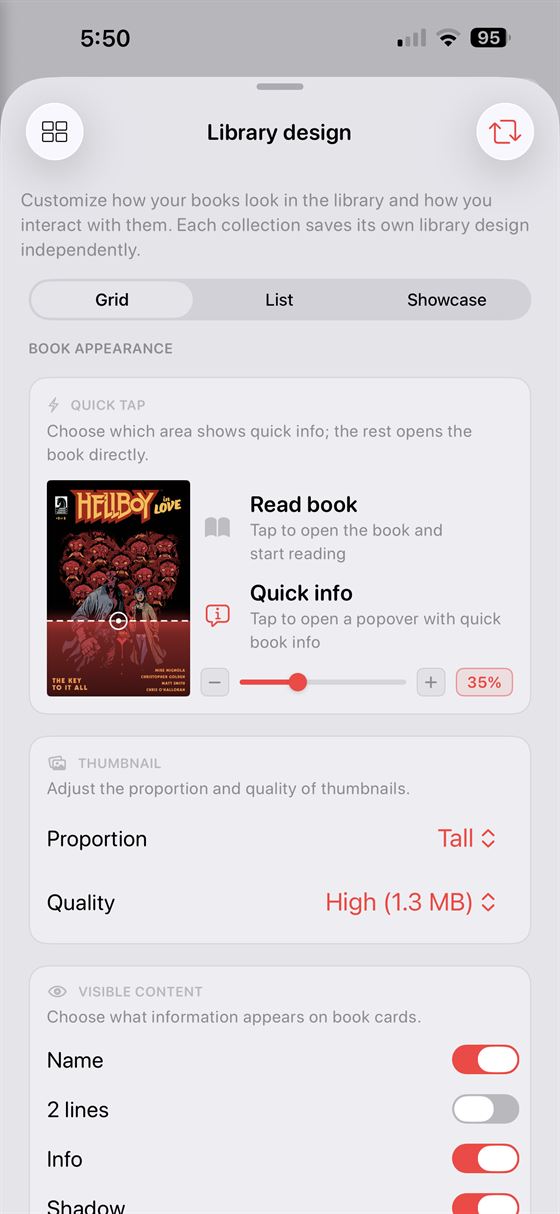
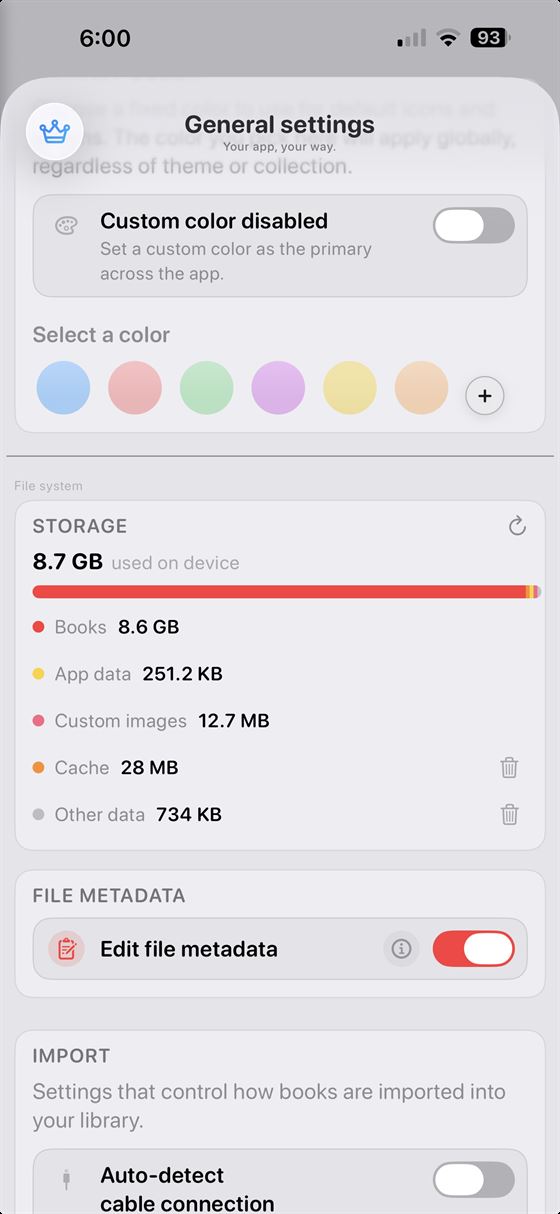
Import books in one tap, then organize your library and start reading with a setup that feels completely yours.
Andrea Reader starts with a clean and elegant interface, but it can evolve into a deeper and more advanced workspace whenever you want. Customize the experience to match the way you read.
Easy for casual readers, powerful enough for large libraries, with collections, sections, smart stats, and progress tracking that make your library feel alive.
Create colored sections, reorder them freely, and move books between them with ease. Perfect for creating custom reading lists.
Track progress across collections and sections, and see how your library grows over time.
Read books, manga, and comics in one place with fast rendering, smooth navigation, and a powerful reader that makes every page a pleasure to turn.
Enjoy CBZ, CBR, EPUB, PDF, and more in a reader designed to feel fast, smooth, and effortless.
Make reading feel exactly the way you want, with full control over navigation and page turning.
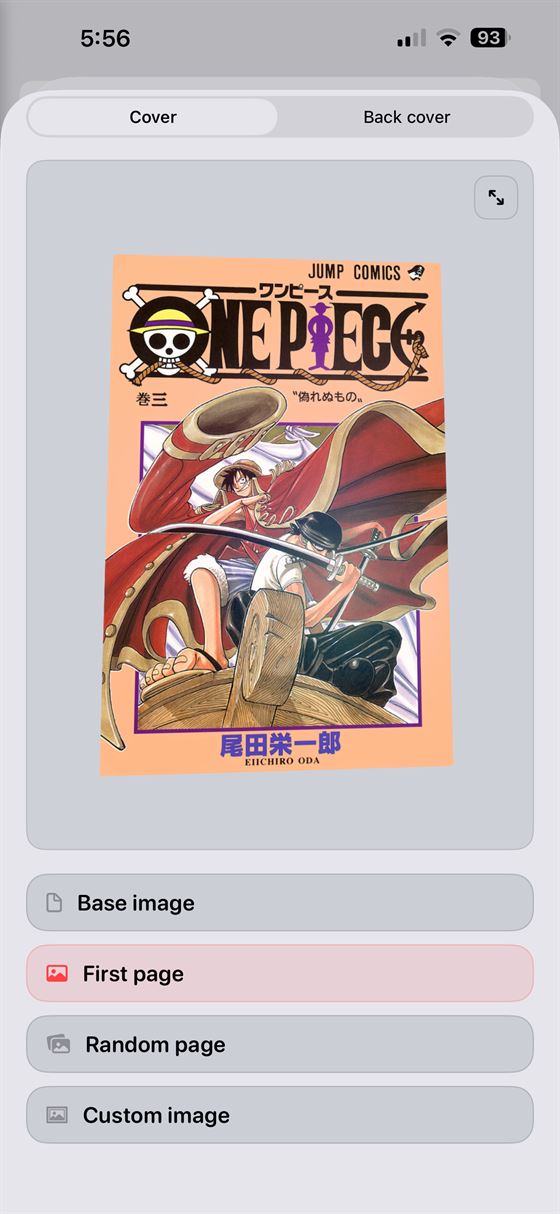
Every book has its own stats and reading progress, with options to customize details like its thumbnail and appearance.
Clean by design, powerful underneath, with everything you need to organize, edit, and manage large libraries.
Use default settings or create your own, then apply them to collections or individual books exactly the way you want.
Merge multiple books into a single volume , reorder pages, remove the ones you do not need, and build your own custom omnibus.
Use advanced rename rules and regex to clean up filenames, remove clutter like hashes or dates, and keep your entire library consistent.
Import your own books and build a personal library that is fully yours. No store lock-in, no ecosystem restrictions, just your files, your collection, your rules.
Import and manage your own books without store restrictions or platform lock-in, so your collection stays fully under your control.
Read comics, manga, EPUB, PDF, TXT, CBZ, CBR and more in one place, with reading settings tuned for very different kinds of content.
Shape large libraries with collections, sections, and custom layouts — then go further with omnibus editing, smart rename, and advanced selection.
Follow progress, sessions, time spent, favorite pages, remaining content, and detailed activity across books, sections, and full collections.
Most reading apps lock you into their store and their formats. Andrea Reader is built the opposite way — around the files you already own.

Is Andrea Reader free?
Yes. Andrea Reader is free to download and use, with an optional premium upgrade for advanced features, deeper customization, and extra tools.
What can I read with Andrea Reader?
Andrea Reader is built for comics, manga, EPUB, PDF, TXT, CBZ, CBR, ZIP, RAR, and more, all inside one modern reading experience.
How do I add books to my library?
You can import files from your device, scan books and create them digitally, or open them instantly in quick reading mode without permanently adding them to your library.
Does Andrea Reader include a bookstore?
No. Andrea Reader is a DRM-free reader focused on your own library, so you import and organize your own books instead of buying them inside the app.
Is it beginner-friendly?
Yes. Andrea Reader is designed to feel clean and simple by default, while advanced settings and power tools stay available for readers who want more control.
Can I organize large collections and long series?
Absolutely. You can create collections, sections, custom covers, flexible layouts, and smart sorting options to keep even very large libraries easy to manage.